01
THE EVERYDAY EDIT
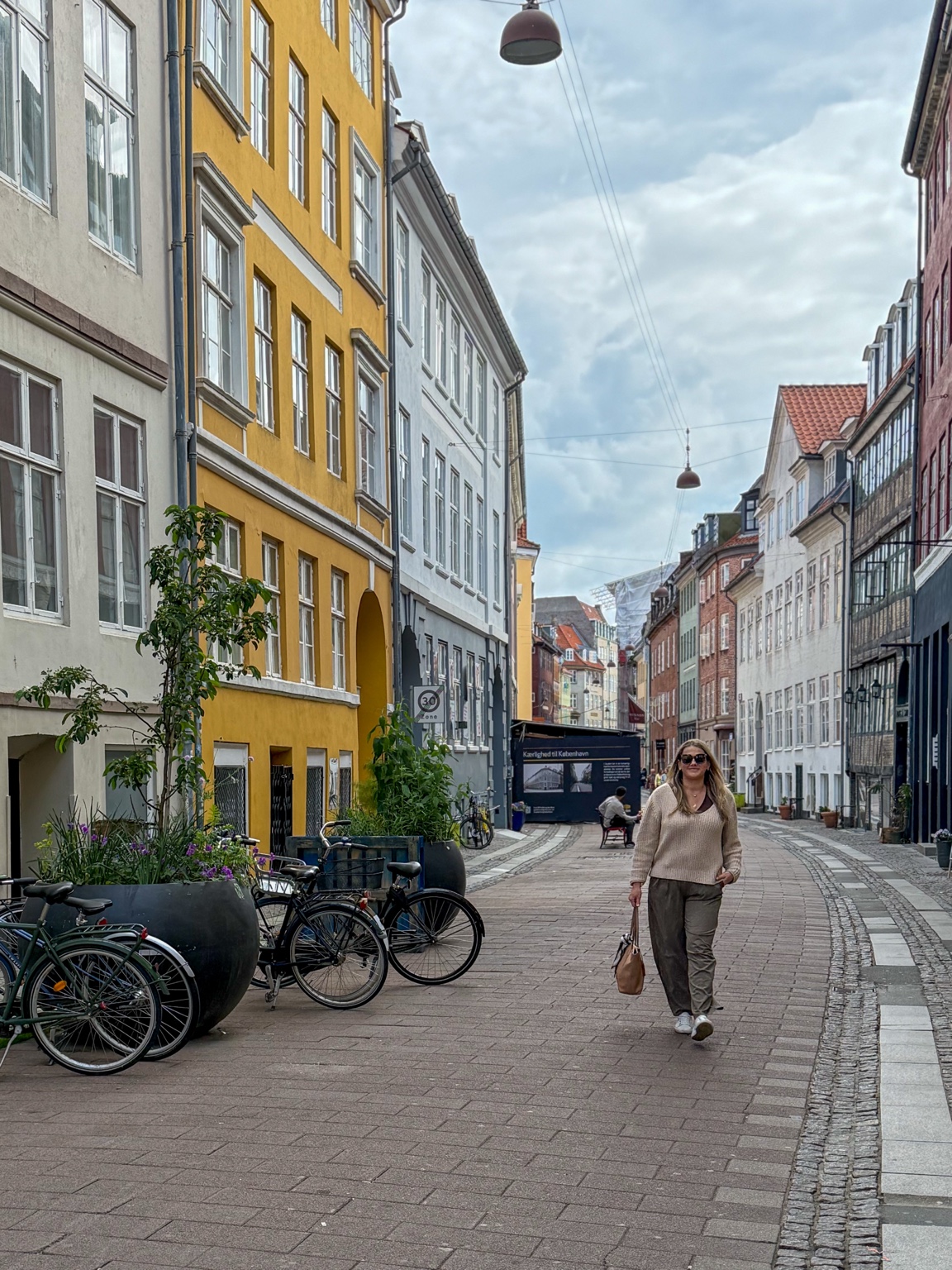
Cobblestone
A warm-neutral look for the little streets, coffee stops and everyday moments you want to keep.

GENUINELY JENI × DISCOVER & BLOOM
The little street you wandered down. The view you stopped for. Five Lightroom looks to help you find an edit you love.
Start with my free travel sampler: Cobblestone, Golden Hour, Coastal Linen, Highland and Old World. Try them on your own photos, then make the finishing touches yours.
IN YOUR FREE SAMPLER
From warm neutrals to muted greens, choose a starting point that suits the scene.
THE EVERYDAY EDIT
A warm-neutral look for the little streets, coffee stops and everyday moments you want to keep.
A LITTLE MORE GLOW
Warm and glowy, with sunsets and beach days in mind.
LIGHT & AIRY
A bright, airy feel for coastlines, whitewashed towns and days by the water.
INTO THE GREEN
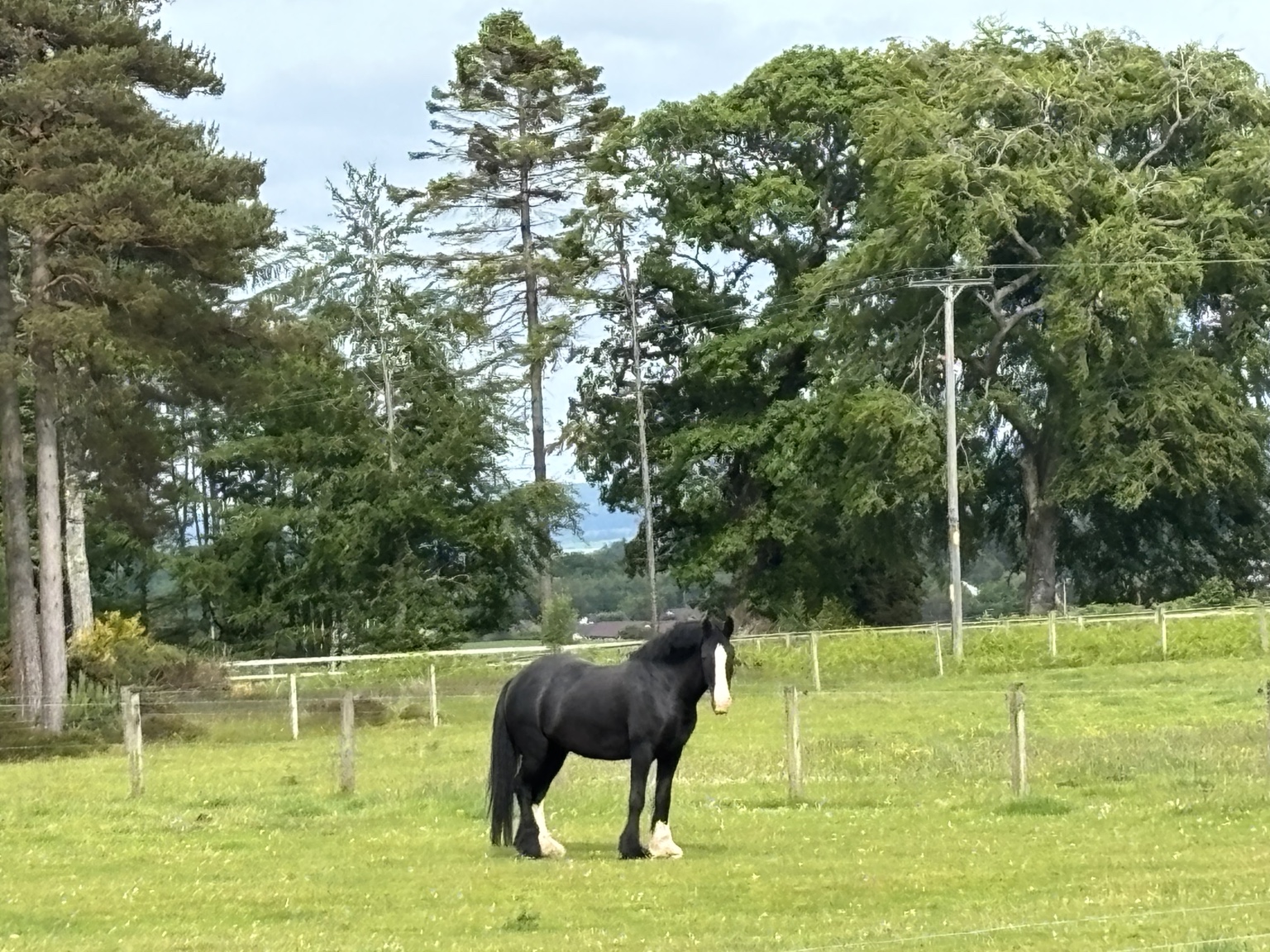
Moody olive greens for mountain scenery, country walks and overcast days.
A SOFTER MEMORY
A soft film look for old towns, cafés and interiors with a story.
Color swatches suggest each mood. The travel photographs on this page are from the journal; they are not before-and-after preset demonstrations.
BUILD YOUR TRAVEL PHOTO TOOLKIT
The sampler is ready now. Two more ways to build on it are coming soon.
READY TO DOWNLOAD
Free
Your first five Genuinely Jeni travel looks.
COMING SOON
$5.99 USD
Keep exploring with 25 additional presets.
COMING SOON
$9.99 USD
An accompanying guide to getting the shot.
The guide is sold separately from the presets. Both paid products together will be $15.98 USD before any applicable tax. No payment is collected for coming-soon products.
FOR YOUR NEXT CHAPTER BEHIND THE CAMERA
Join the launch list for the collection, the guide, or both. Your interest will be saved with Discover & Bloom.
 Leave a little room for discovery.
A SIMPLE PLACE TO START
Sign up above, download the ZIP and extract it. Your five XMP files and installation PDF are inside.
On mobile, open a photo, then Presets → Yours → the options menu → Import Presets. Select the extracted XMP files.
Try a preset, then adjust Exposure and Temperature. Use the Amount slider if you prefer a lighter touch.
BEFORE YOU DOWNLOAD
An up-to-date version of Adobe Lightroom that supports importing XMP presets. The kit includes instructions for Lightroom mobile, Lightroom cloud desktop and Lightroom Classic. Lightroom is not included; Adobe subscriptions and feature availability vary. These files are not DNG photos or Apple Photos filters.
A preset gives you a starting point. Your camera, original exposure and the light all affect the result, so expect to adjust Exposure, Temperature or Amount. Try the free sampler on your own photos before choosing any paid collection.
In Lightroom cloud desktop, choose File → Import Profiles & Presets. In Lightroom Classic, go to Develop, then the + beside Presets → Import Presets. Select the extracted XMP files. Cloud desktop presets can sync to mobile with the same Adobe ID and a suitable plan. Lightroom Classic presets do not sync to mobile automatically.
The free kit is available on this page immediately after signup. Save it to your device before leaving. Automatic email delivery is not connected yet. The launch list records your interest; the paid collection and photo guide are not available to buy yet.
The free presets are for personal use. Please share the link to this page with friends rather than the files, and do not resell or redistribute them. For help, email info@discoverandbloom.com.